Batch supported — up to 10 images, each scene-detected automatically(JPG, PNG, WebP — up to 50 MB)
Try these
Batch supported — up to 10 images, each scene-detected automatically(JPG, PNG, WebP — up to 50 MB)
Try these
Upload a picture and UpscaleAI reads what it is, then rebuilds sharper edges, cleaner faces, and readable text while lifting it up to 8K, so this ai image enhancer works as both a photo enhancer and an image upscaler without ever stretching pixels or flattening skin into plastic.
Start Upscaling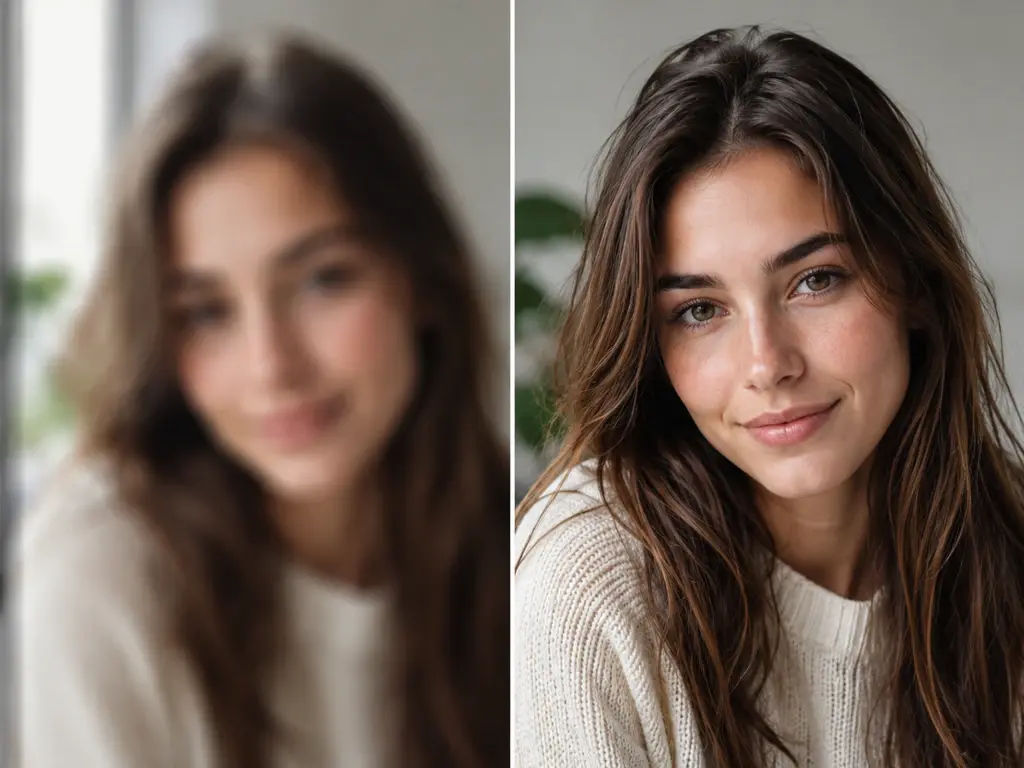
Four jobs land here again and again: edges gone soft, color missing, noise across the frame, and texture that never made it into the file.
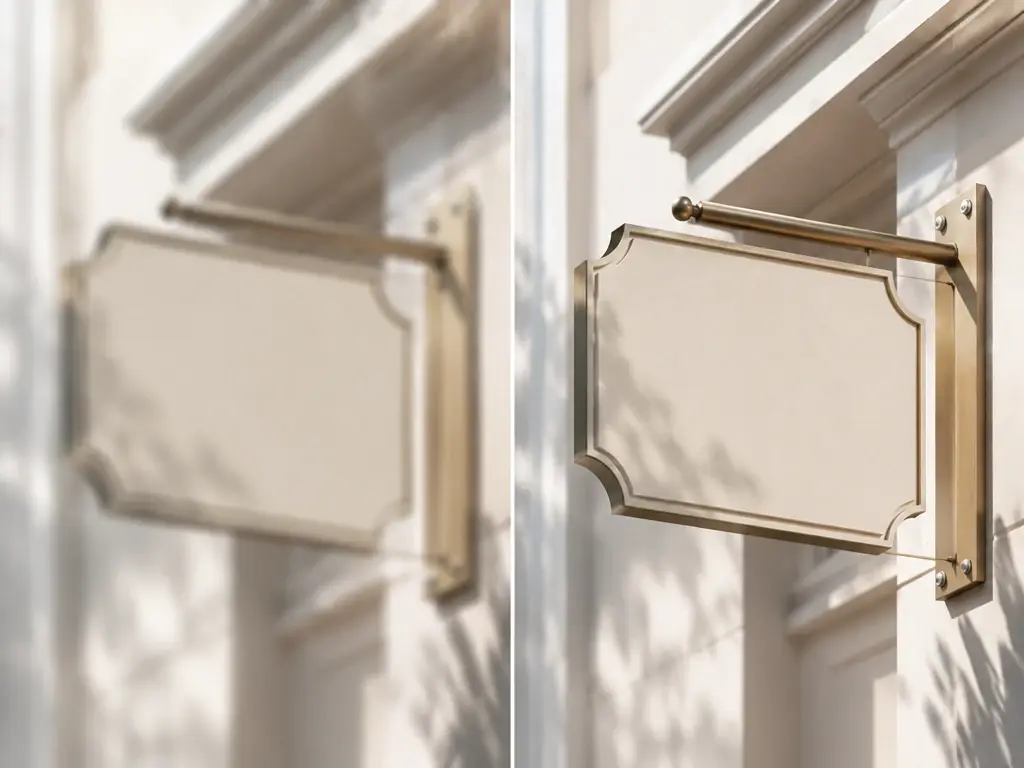
The frame drifted out of focus, the subject moved as the shutter closed, or the file simply came back soft. Image sharpen reads the edges still present in the picture and rebuilds them, so lettering, lashes, and building lines firm up again. Very heavy blur has limits in any image enhancer, and mosaic or censored areas stay exactly as they are.
Prints from the family box come back gray or sun bleached. Colorize photos and the model reads skin, sky, fabric, and foliage, then lays down a palette that fits the scene, which is a plausible reading rather than a record of the exact dyes worn that day. Color stays optional in this image enhancer, so a black and white print can remain black and white.
Shot at ISO 6400 across a dim room, or resaved as a JPG until blocks crept into the sky. Image denoise clears the speckle and those compression artifacts while holding on to the weave in a jacket and the pores in skin, so the frame leaves this image enhancer clean instead of waxy and flat.
Low resolution scans, soft phone crops, and diffusion output often carry almost no texture: hair reads as a block, brick reads as mush. Add detail to image files and the model paints texture back in that fits the subject and the style of the picture, an informed reconstruction rather than a record of what the lens once caught. The result from this image enhancer holds up when someone leans in close.
Four capabilities cover most of what people bring to an image enhancer: soft texture, low resolution, tired faces, and damaged or drawn sources.
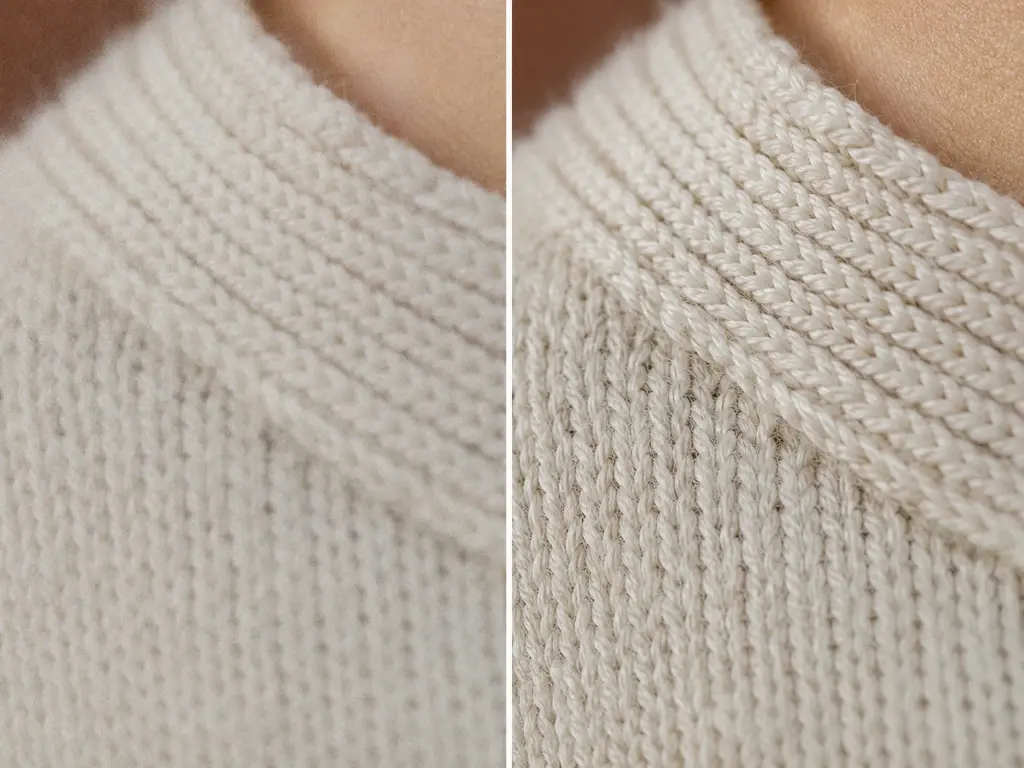
In this image enhancer, grain settles, edges firm up, and fabric or foliage reads as material again rather than smeared paint. As an image quality enhancer, it reconstructs detail that fits the content and the style of the shot, so denoising and sharpening serve realism instead of a glossy look. Working as an image clarity enhancer, the result should feel like the photo was taken correctly, not processed afterward.
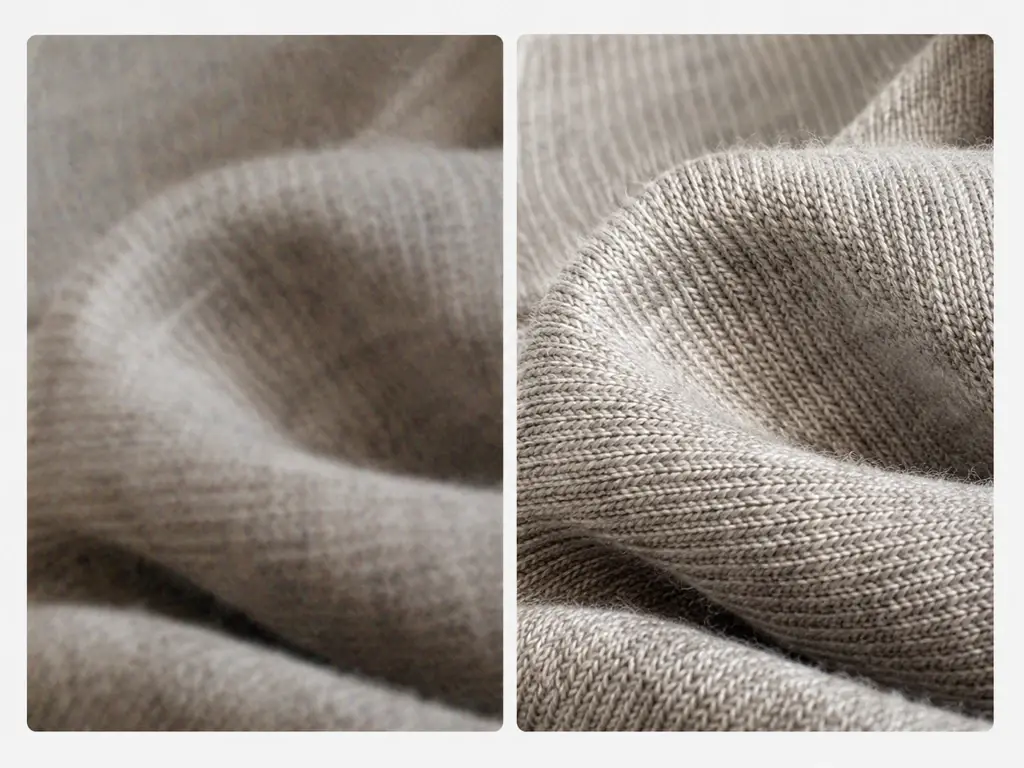
Print work and large web headers need pixels a phone crop cannot supply. This image resolution enhancer scales anywhere from 2x to 8x, adding reconstructed detail along the way, and outputs as high as 8K while keeping edges defined at poster size. Used as an hd photo enhancer, it keeps type legible where a plain hd image enhancer that only interpolates cannot.
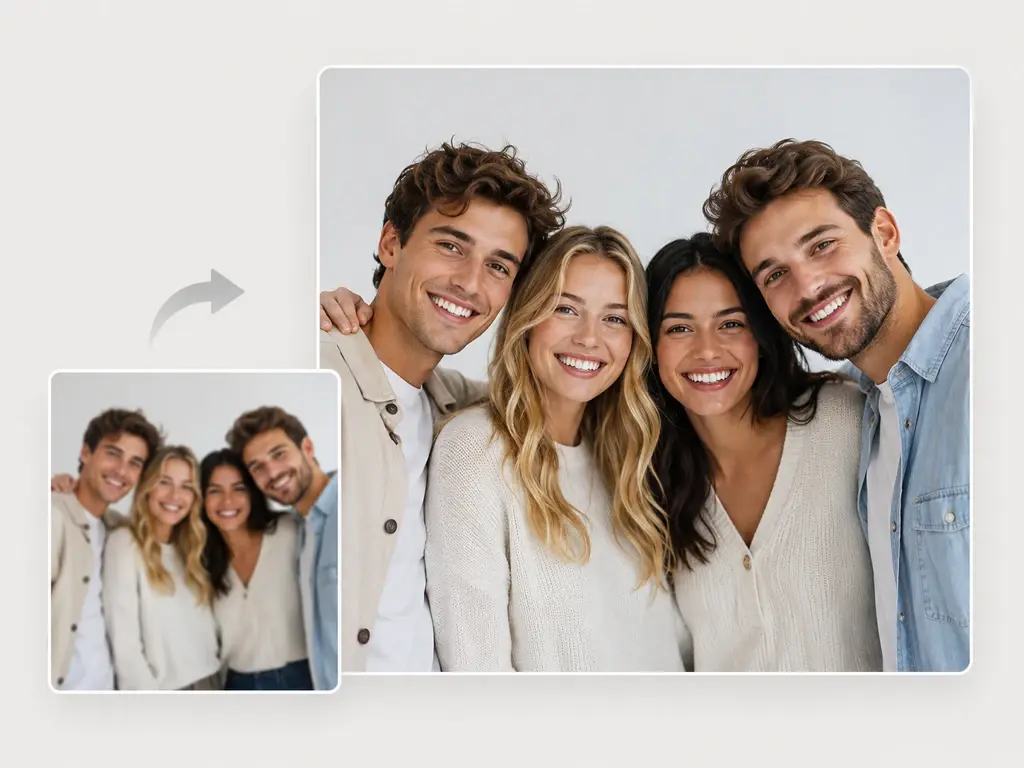
Eyes regain catchlights and hairlines stop dissolving in this image enhancer, across every person in the frame rather than just the closest one. The ai face enhancer restores detail on the face that is already there. Working as an ai photo enhancer, this image enhancer never generates a new face, so the person your family recognizes is the person who comes back.
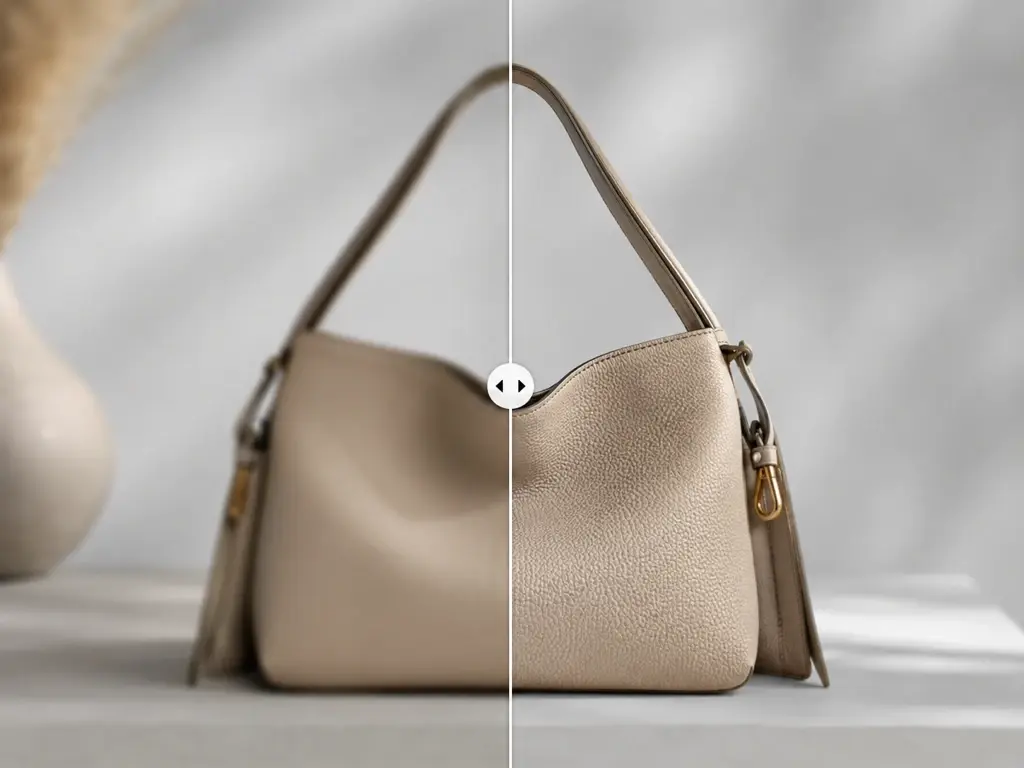
Scratches, dust, and fading come off scanned prints in this image enhancer, and color is optional so a black and white photograph can stay black and white. As an old photo enhancer, this image enhancer rebuilds what damage took away. Working as an anime image enhancer, it lifts frames and Midjourney or Stable Diffusion output to print resolution while line edges stay clean, and you can paste the original prompt to steer the detail it adds.
Anyone asking how to enhance image quality usually wants fewer decisions, so this image enhancer puts the model choice on the software and leaves the override with you.
Drag a file onto the canvas of this image enhancer or click to browse. JPG, PNG, and WEBP all work, and you can send several images at once when a whole scan folder or shoot needs the same treatment. Processing begins in the image enhancer as soon as the upload lands.
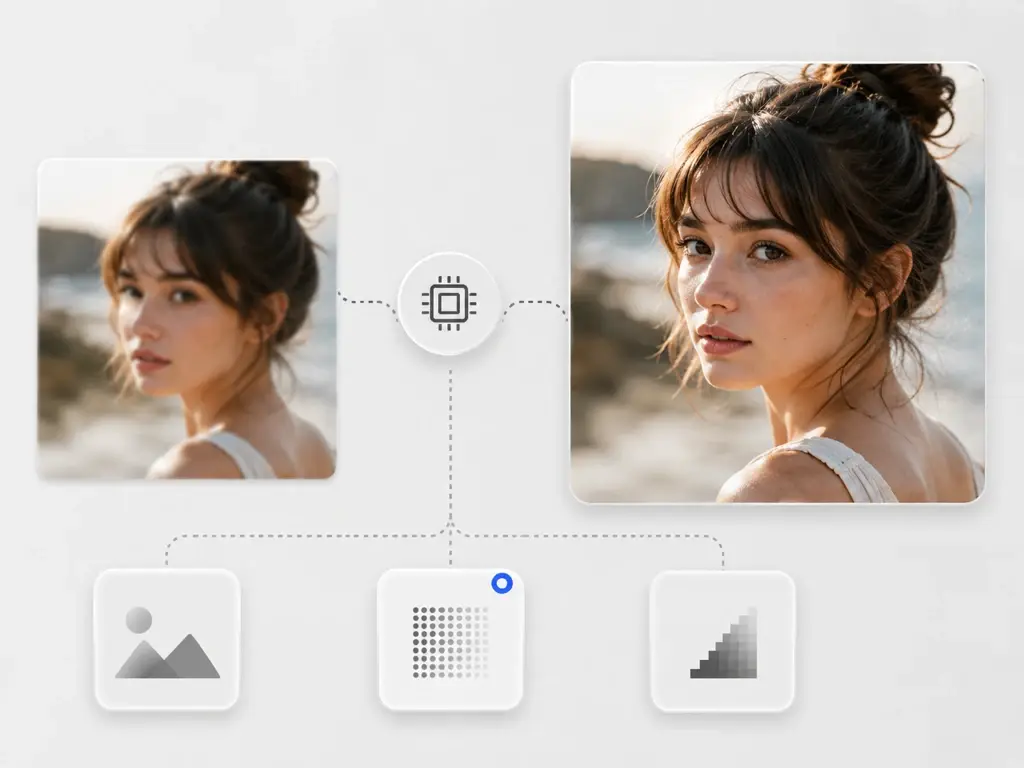
This image enhancer reads each image and routes it to the matching model, whether that is a portrait, a damaged print, an anime frame, AI art, or a screenshot full of text. As a text image enhancer it keeps that lettering legible while you draw no boxes and write no description. If you want the wheel, choose a model by hand, or choose a use case and the settings fill in to match it, which is the control most one click tools never hand over.
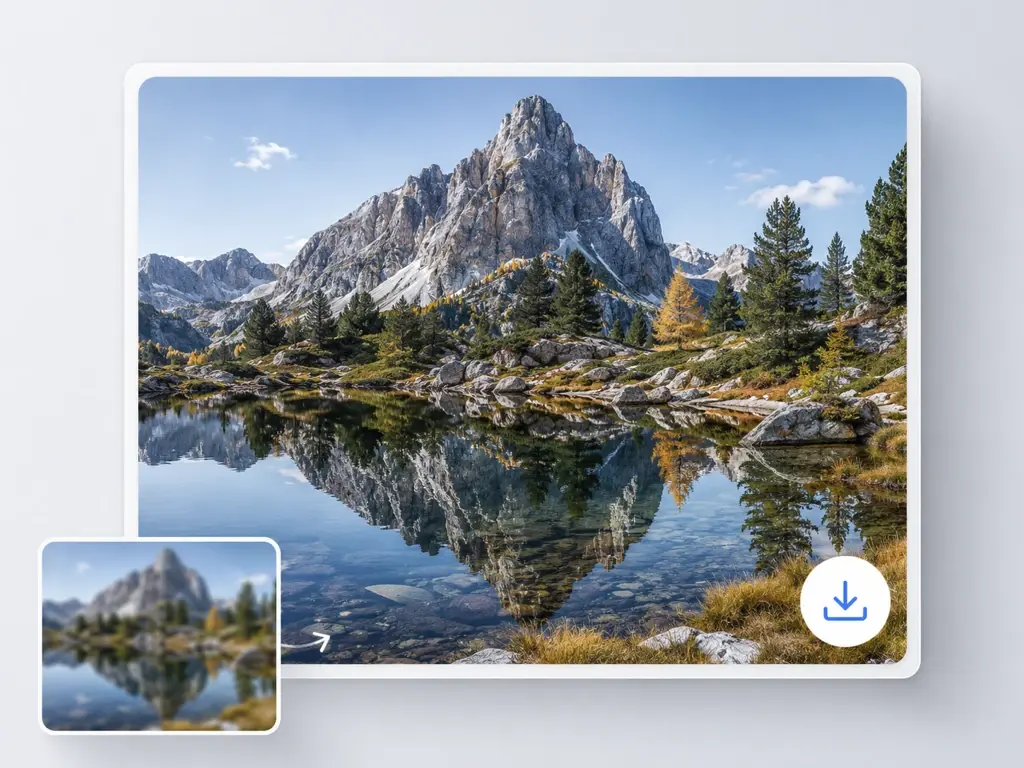
Detail is rebuilt and this image enhancer upscales the file to your target, as far as 8K. Check the before and after view, and if the read was wrong, switch the model or scene and run it through the image enhancer again. Download what you keep. The result also sits in your account space under Assets and My works, so you can come back any time and download it again.
Four situations that send someone looking for a picture enhancer, and what this image enhancer changes in each.
Handshake at a dim reception, a subject that drifted out of focus, a crop pushed too far. Rather than sharpening the mush that is left, this image enhancer rebuilds edges and detail that fit the scene, so lettering on a sign firms up and a jawline stops bleeding into the background. Softness eases and the picture reads clearly. Reconstruction has limits in any image enhancer, and a photo with nothing recoverable in it will not come back whole.
Boxes of prints from a grandparent arrive creased, sun bleached, and flecked with dust from the scanner glass. Feed the scans into this image enhancer and scratches and grain are cleared, contrast returns, and colorization stays your call rather than the default. Built as a photo enhancer ai, it leaves families with a shareable file that still looks like the photograph, because repair here means rebuilding damage, not reinventing the picture.
Concert shots, kids mid sprint, a phone photo taken at ISO 6400: the frame is worth keeping and the detail is not there. This image enhancer reconstructs detail along real edges instead of smoothing it away, then scales up so the file holds together at full width. Reach for this image enhancer to enhance photo detail when the moment matters more than the technique, and expect a believable version of the shot rather than a forensic recovery of it.
A logo pulled off an old website, a thumbnail that turned into a mosaic of squares. Upscaling in this image enhancer adds detail rather than blurring blocks together, so type edges and flat color regions come back with clean boundaries. It applies to low resolution pixelation only. Redacted areas, mosaics, and censored regions are not recoverable, and this ai image quality enhancer will not attempt them.
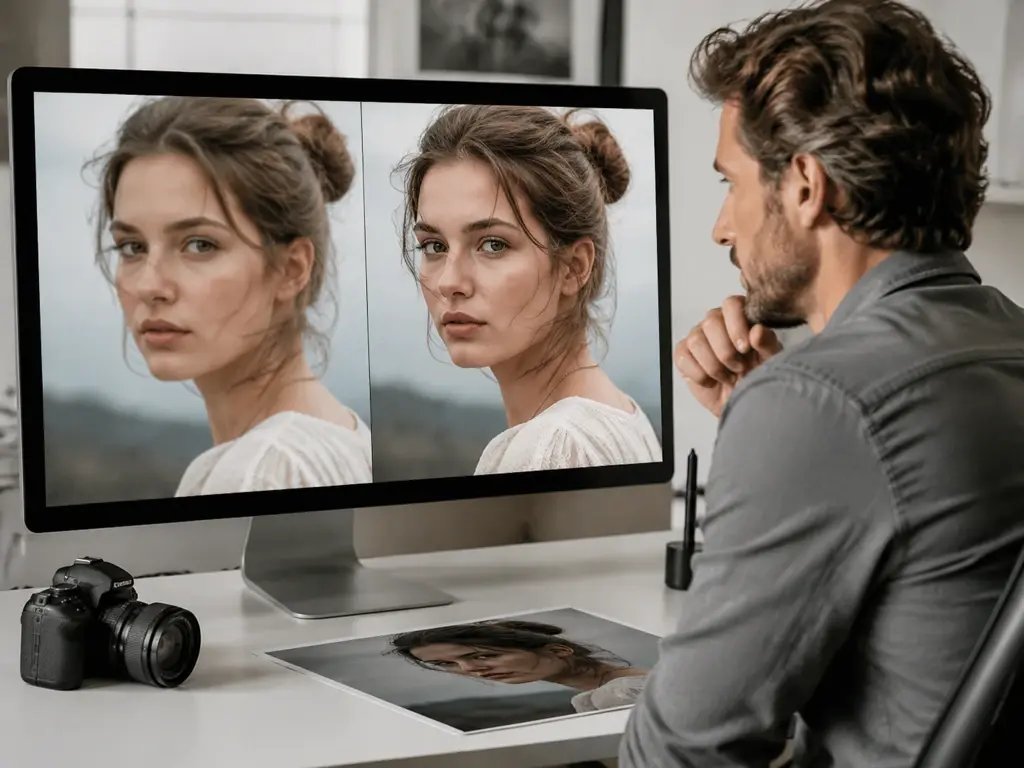
A gallery client wants a 24 by 36 print from a file shot years ago on older gear. Scaling to 8K in this image enhancer with reconstructed texture gives the lab something to work with, and skin and fabric survive the enlargement rather than turning waxy. The finished file goes to print or to the client.
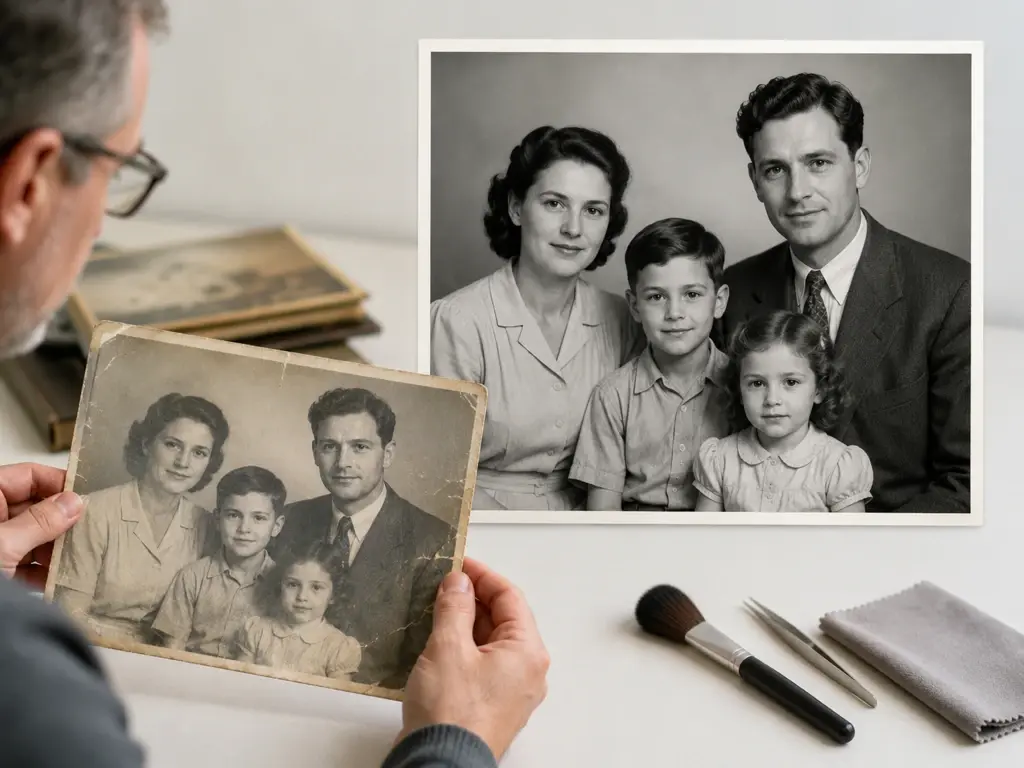
Someone in every family ends up scanning the albums. The goal is a clean set of files before the prints degrade further, so this image enhancer runs scratch and noise removal automatically, optional color is there when a portrait deserves it, and each face is recovered as itself rather than swapped for a generated one.
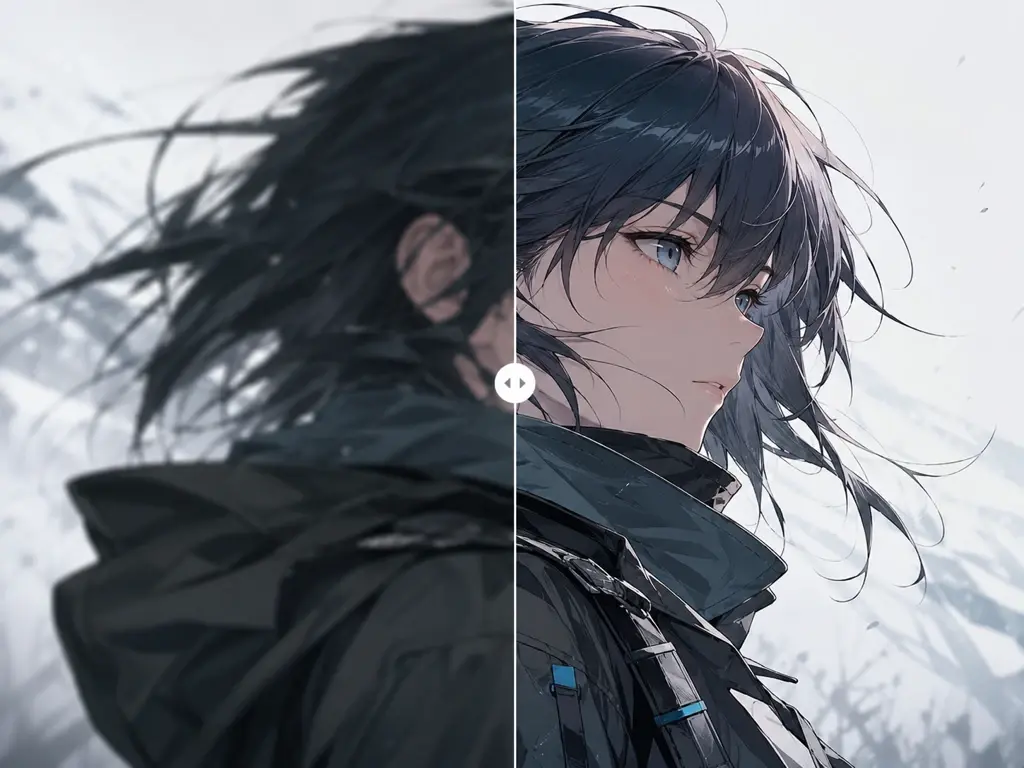
Diffusion output and anime frames land at screen resolution, which stops short of what a canvas print or a merch run needs. Scaling to print resolution in this image enhancer preserves the line work instead of softening it, and pasting the original prompt guides the detail that gets added back into the piece.
Upload one image, watch the UpscaleAI image enhancer read it and rebuild the detail, then download the enhanced version at up to 8K.