Batch supported — up to 10 images, each scene-detected automatically(JPG, PNG, WebP — up to 50 MB)
Try these
Batch supported — up to 10 images, each scene-detected automatically(JPG, PNG, WebP — up to 50 MB)
Try these
The UpscaleAI image upscaler rebuilds real detail as it enlarges any picture from 2x to 8x, so your image upscaler run grows sharper instead of soft and stays ready for print or web.
Start Upscaling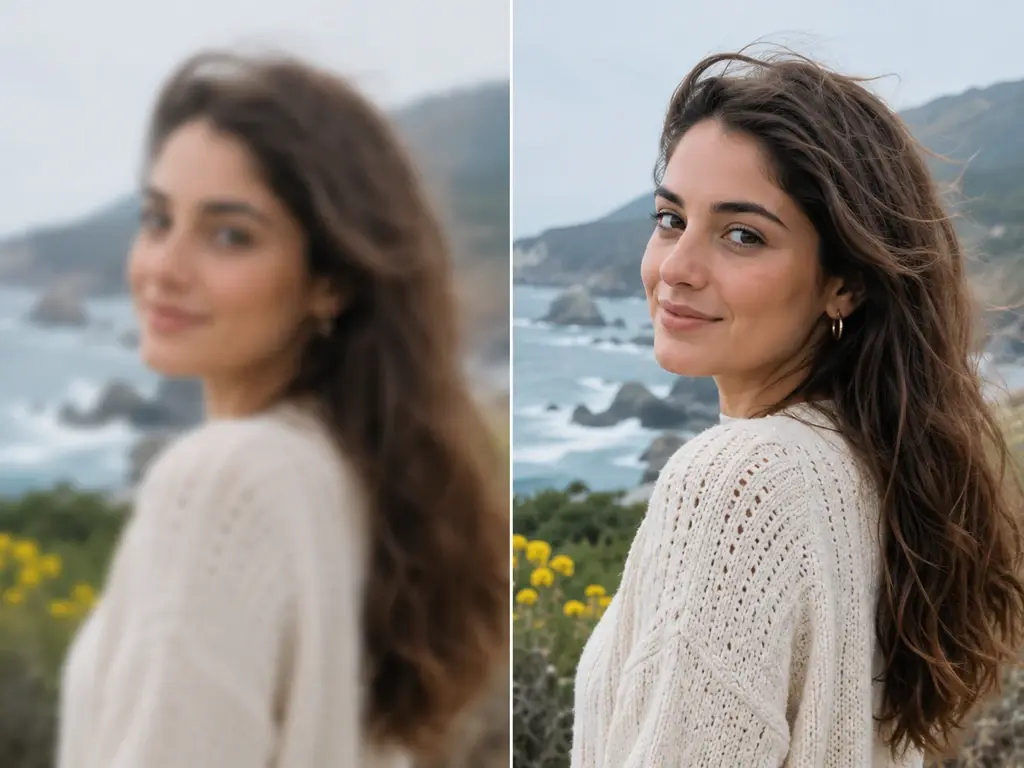
As an image enhancer built to upscale image files, UpscaleAI runs a few focused jobs on your pixels, from clearing blur and noise to lifting resolution toward 8K.
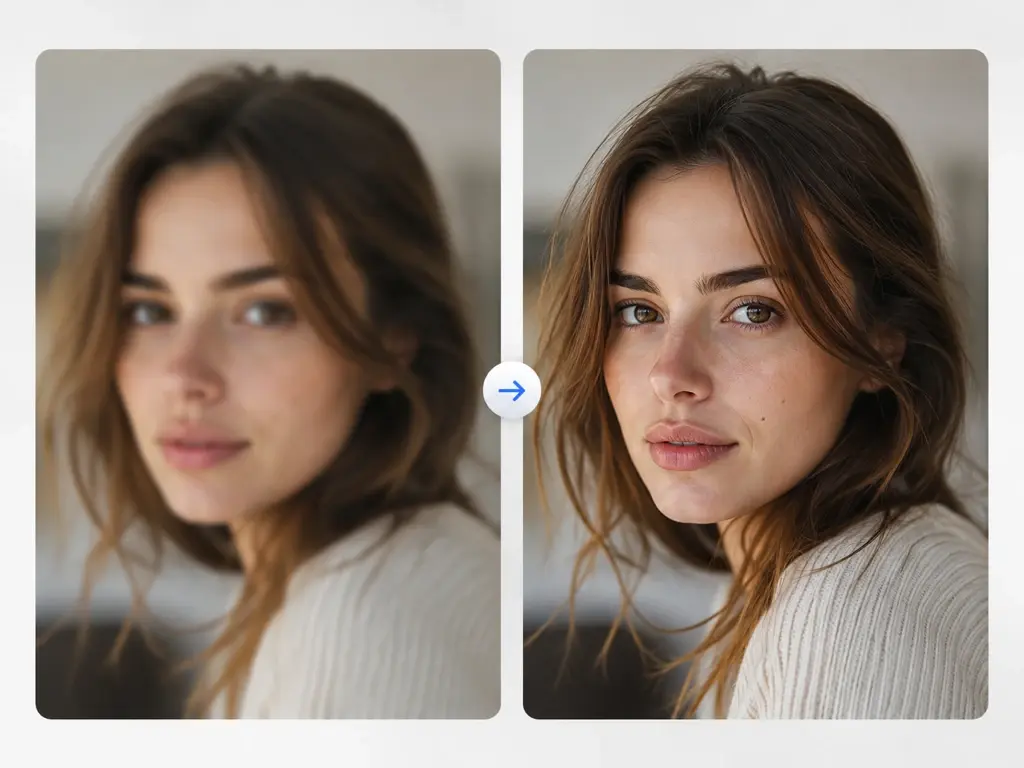
The image upscaler gives shots that came out soft, out of focus, or lightly motion blurred their edges back. Use UpscaleAI to unblur image files and sharpen fine detail the lens missed; working as an image sharpener it rebuilds clarity within reason, and it never claims to recover heavy blur or lift a mosaic.
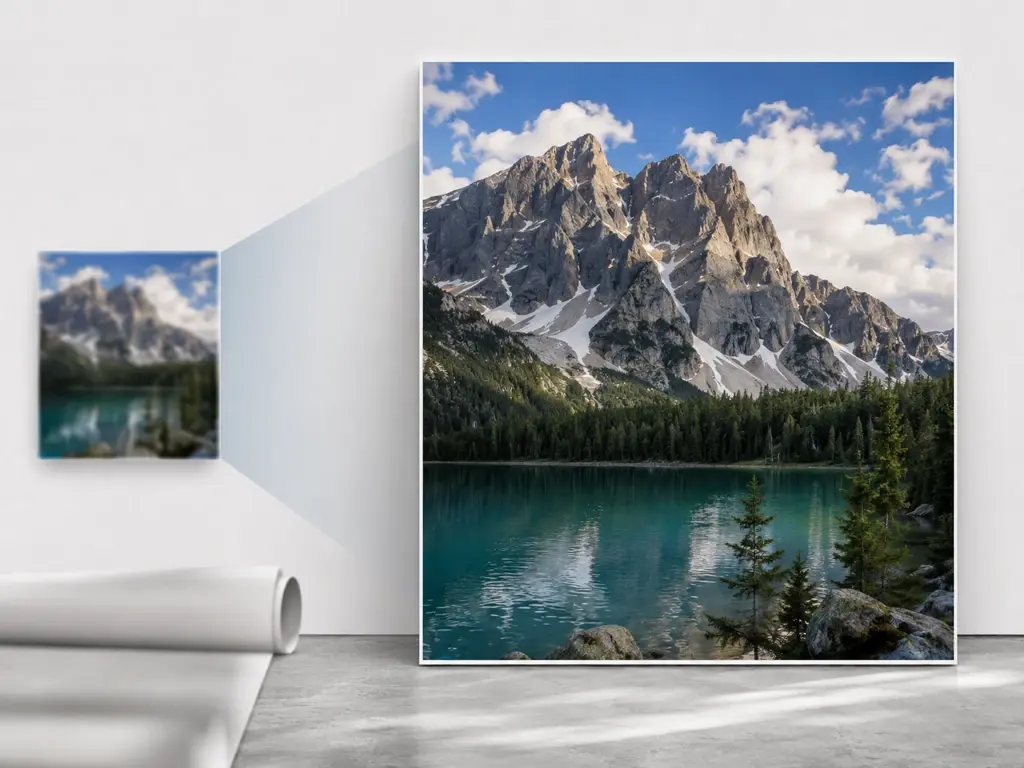
Take a small file up to 4K in the image upscaler, or push a full 8K frame when the job needs it. This image upscaler is where you increase image resolution for large prints and high density screens, so a picture that looked fine at thumbnail size still holds up when it fills the page.
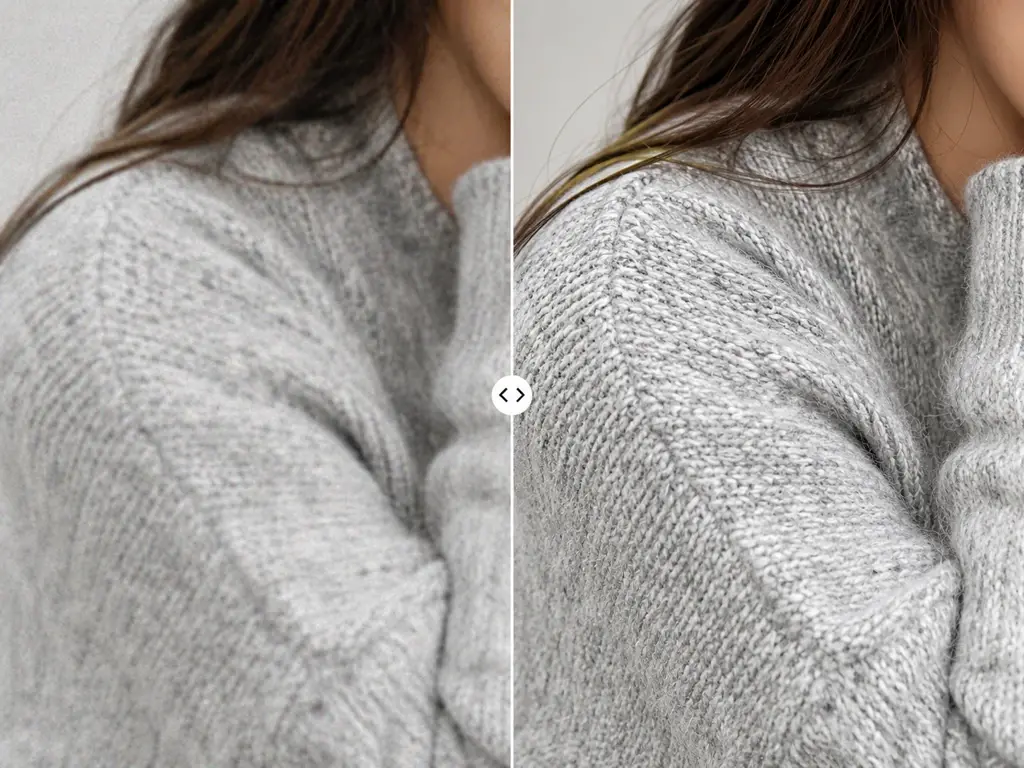
Old fashioned enlargement leaves a smooth, plastic look; as an ai image upscaler, UpscaleAI paints in texture that fits the subject, so pores, fabric, and foliage read as real detail. The same pass doubles as an image denoiser, clearing grain and compression noise so the enlarged picture reads clean instead of speckled.
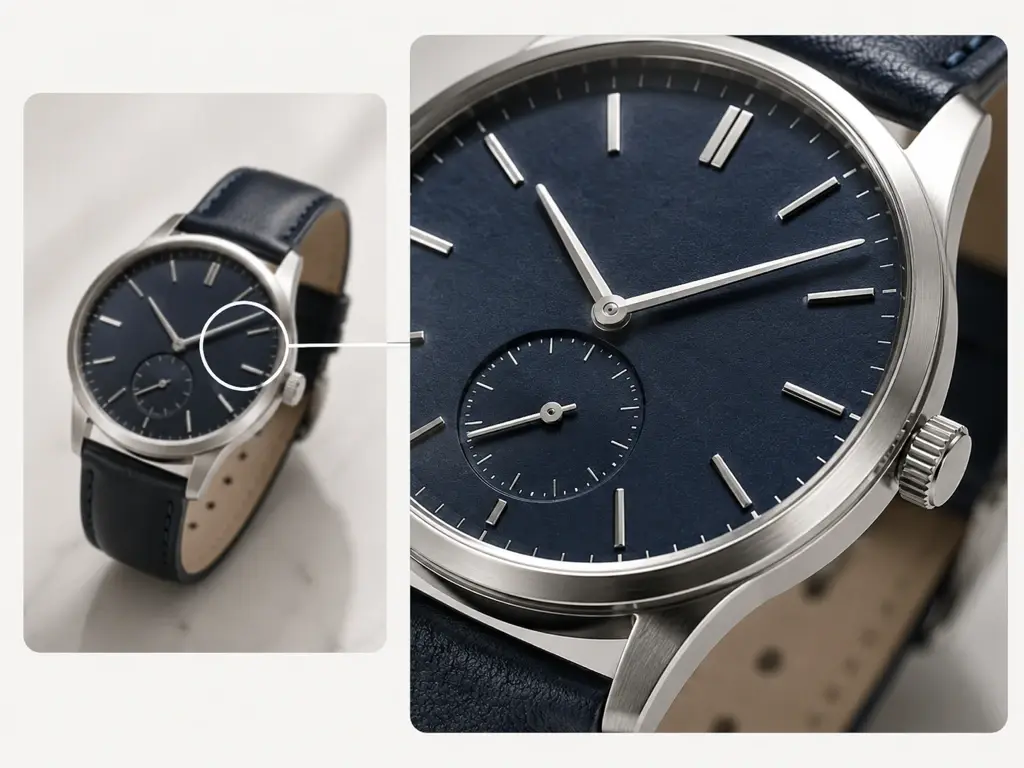
Drop more than one file into the image upscaler and let them run together. A batch image upscaler workflow suits a full product catalog or a folder of scans, and because it doubles as a bulk image upscaler you queue the set once instead of repeating the same steps on every file.
Three steps take a picture from your drive to a finished download: add the file, let the tool pick a model or choose one yourself, then upscale and save the result.
Drag in or click to add JPG, PNG, or WEBP files, and load several at once when you have a set to process. Log in first, then every picture you send and every finished result lives in your own account space under Assets and My works, building a history you can open, revisit, and download again whenever you come back.
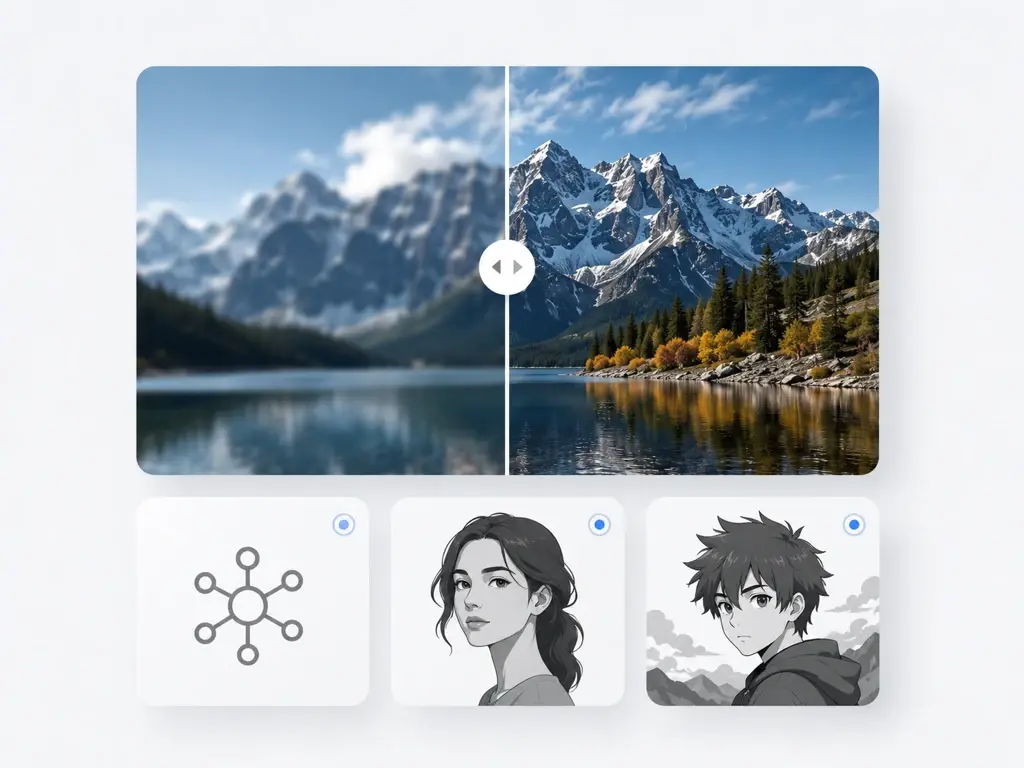
By default the tool routes each file to the right model for portraits, old photos, anime, or AI art. You can instead choose a model by hand, or pick a use scene and let the settings fill in; for anime or AI images you may paste a prompt to guide the added detail toward the style you want.
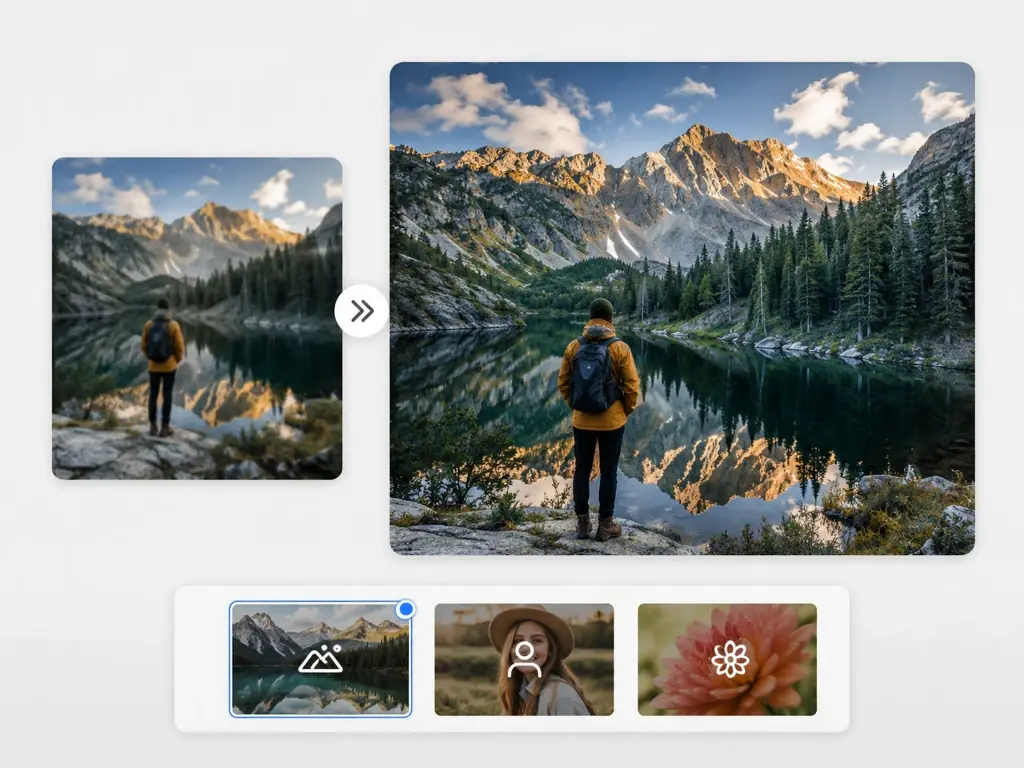
Press upscale and the image upscaler rebuilds detail while it enlarges, up to 2x through 8x and a top resolution of 8K. If a file needs another pass, run it again with a different model, then download the finished result to keep.
Real jobs where an image enlarger that rebuilds detail beats a plain resize.
The image upscaler treats faded, scratched, or low resolution scans of family prints better than a soft blow up. As a photo upscaler, UpscaleAI keeps the person's own face intact while detail returns, and an ai photo upscaler pass can bring back color, so you upscale photo memories that print cleanly at a larger size.
A tiny, low resolution mark looks ragged the moment it lands on a banner or a storefront sign. This is the case for taking that small file into the image upscaler and rebuilding clean edges with the image upscaler, so the shape stays crisp on print and big screens instead of breaking into a fuzzy block.
Portraits where the face lost fine detail, or went soft after a stretch, are the reason the image upscaler exists. Detail comes back to each face in the frame while the person stays themselves, never swapped for a new one; expect clearer eyes, skin, and hair rather than a different identity.
Maybe the picture you want as a desktop or phone background is far smaller than the screen it has to fill. Enlarge it in the image upscaler toward 4K or 8K so the image upscaler matches a high density display, and the wallpaper stays sharp edge to edge instead of stretched and fuzzy.
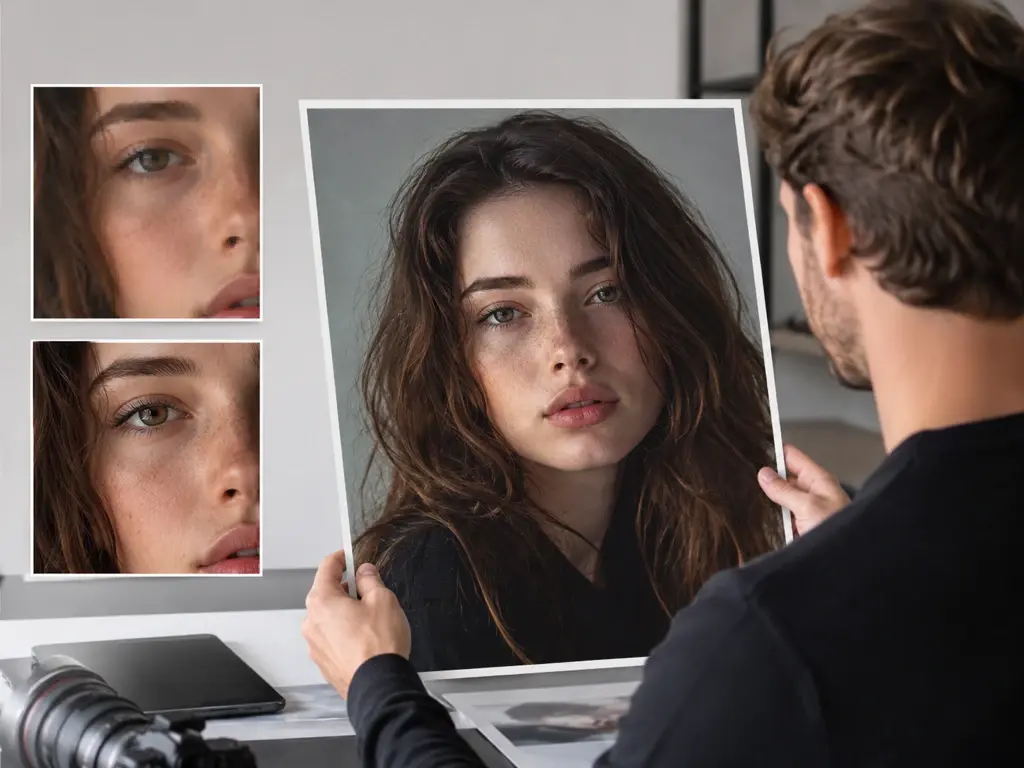
You shoot for clients and need a file that survives a big print. The image upscaler lifts a web sized frame toward 8K and rebuilds edge detail, so when you upscale image for print the portrait holds at poster scale without the soft, upsized look. This image upscaler leaves results yours to use commercially, including client delivery.
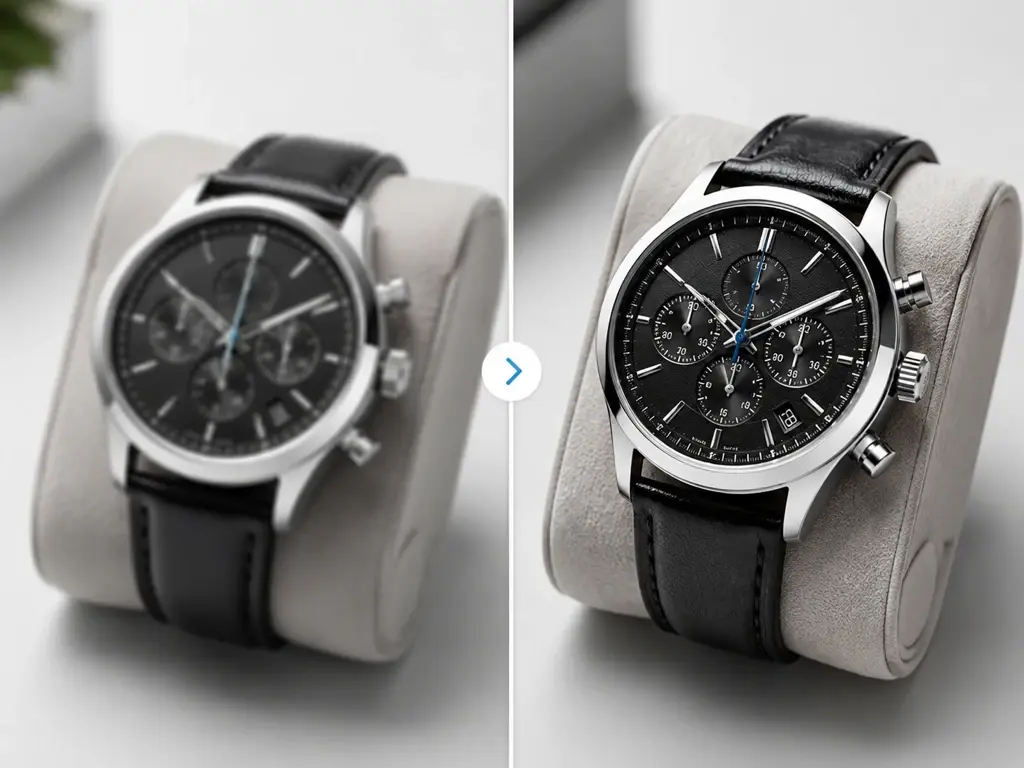
Listings convert better when the product photo is crisp rather than pixelated. Run a catalog through the image upscaler as a photo enhancer to raise resolution and clear noise, and whether it ships online or you upscale image for printing, the shots stay sharp when a shopper zooms in, which builds the trust that closes a sale. Output is cleared for commercial use.
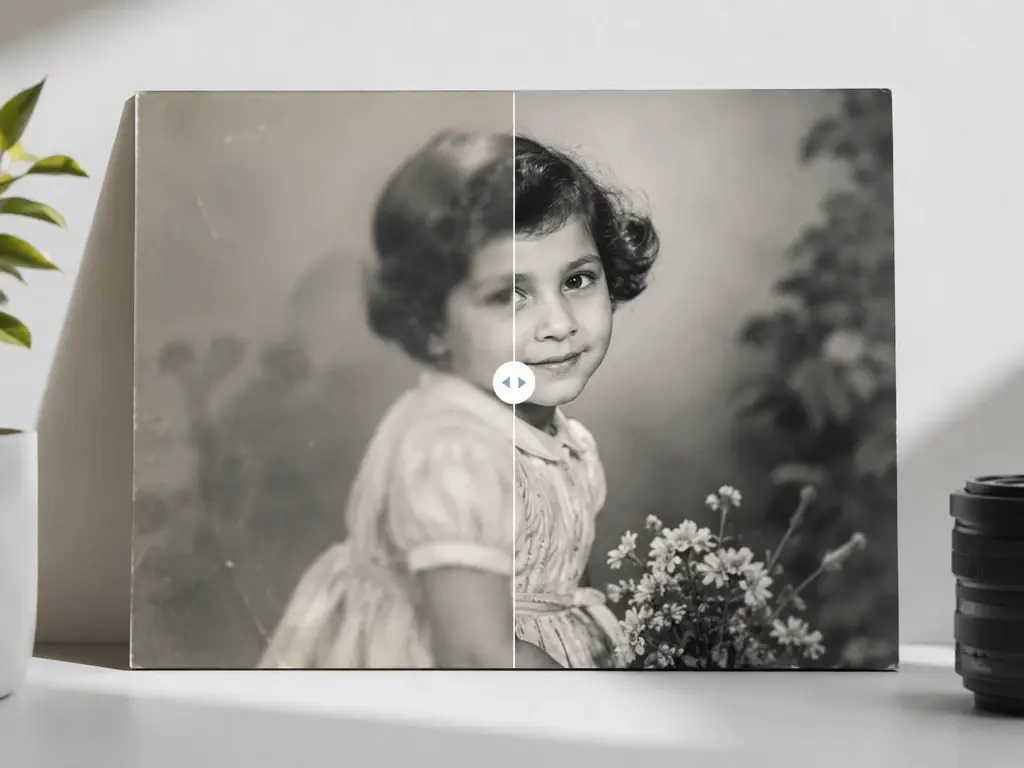
Whether you draw anime, generate AI art, or want an old family photo saved, there is a model tuned for it. An anime image upscaler keeps clean line work, an ai art upscaler can take a prompt to extend detail in style, and old prints come back to life for reprinting.
Upload a picture and pick a model, and UpscaleAI rebuilds real detail as you upscale image online, keeping edges sharp enough for print and screen.